Video on scroll in Elementor - why scrubbing an MP4 stutters (and what to do instead)
GSAP ScrollTrigger + Elementor video-on-scroll tutorials scrub MP4 currentTime. Here's why that jumps, especially on iOS, and how frame sequences fix it.
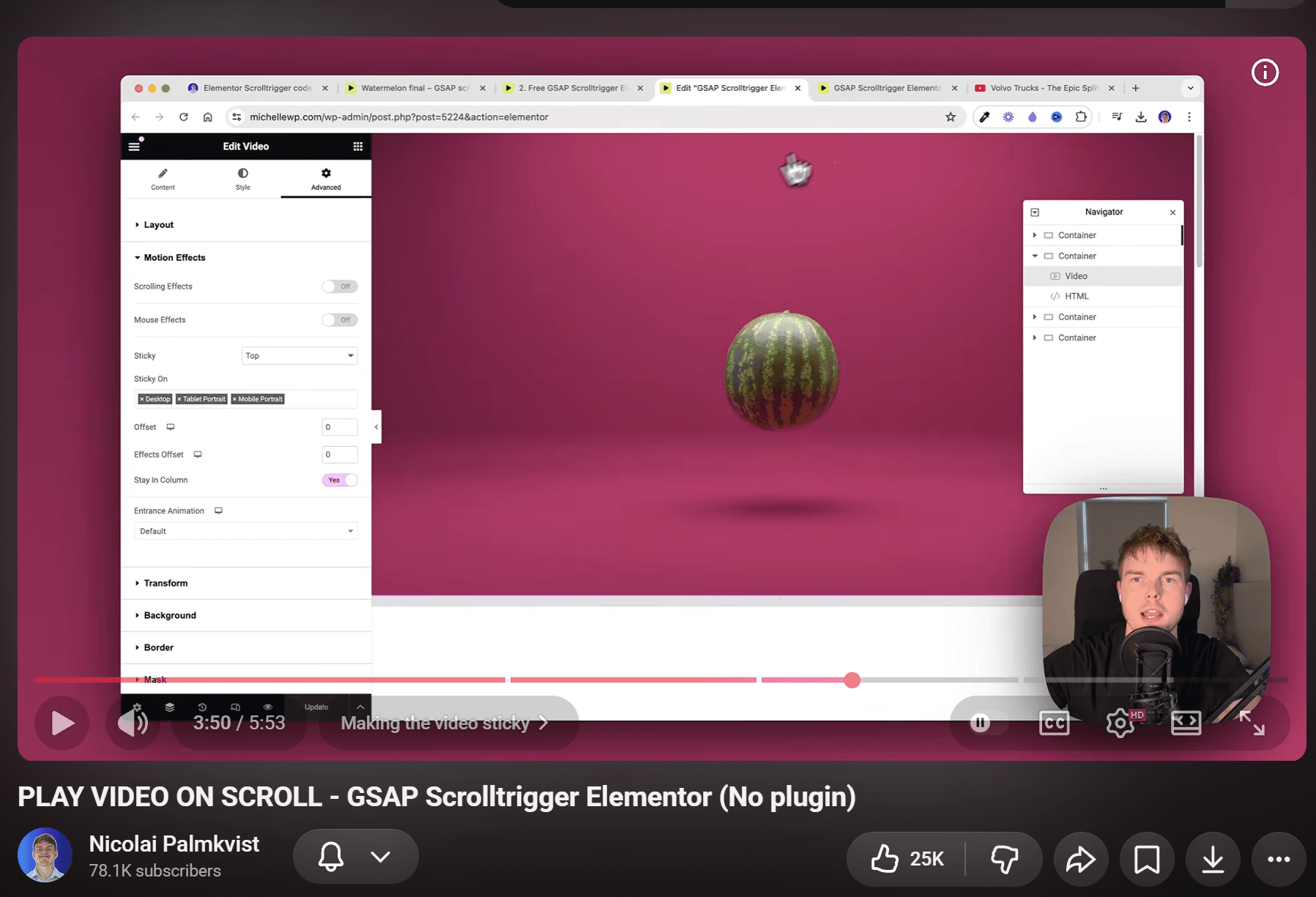
Tutorials like this one from Nicolai Palmkvist that scrub a video with GSAP ScrollTrigger in Elementor look great in the demo. Then you try it on your site and it jumps, freezes when you scroll back up, or completely falls apart on iPhone.
That is not you “doing Elementor wrong.” It is how browsers seek video.
What Those Tutorials Actually Do
The usual pattern you see in tutorials:
- Drop a
<video>(or a background video widget) in a tall section. - Pin the section with ScrollTrigger.
- On scroll progress, set:
video.currentTime = progress * duration;
On paper, that cleanly maps scroll distance to video playback time. In practice, the browser does not store every frame as a clean, random-access image.
Modern video codecs store keyframes (I-frames) and delta frames (P-frames and B-frames). Seeking to an arbitrary currentTime forces the browser's video decoder to snap to the nearest keyframe or decode intermediate frames on the fly. As a result, the animation stutters-especially when you scrub backwards.
iOS Safari is the harshest case:
- Stricter seeking throttles.
- Aggressive memory pressure and hardware decoder throttling.
- Mandatory
muted+playsinlineattributes, or the video will refuse to behave like an inline scrubbable timeline at all.
Quick Fix If You Must Keep the MP4
If you need to stay on video for now, these adjustments will get you the best possible results:
1. Re-encode With Frequent Keyframes
Use FFmpeg to force keyframes at short intervals:
ffmpeg -i input.mp4 -an -c:v libx264 -g 2 -keyint_min 2 -sc_threshold 0 -crf 24 -pix_fmt yuv420p output.mp4-g 2places a keyframe approximately every 2 frames.- Seeking becomes dramatically smoother because the decoder never has to jump far to find a reference frame.
- Trade-off: File size increases significantly.
2. Keep the Video Short and Light
- Mute it (
-an): Audio is completely useless for scroll scrubbing and wastes bandwidth. - Keep it brief: Prefer 8–12 seconds over a long timeline.
- Cap resolution: Often
1280pxwide is more than enough for a hero section.
3. Respect Mobile Video Rules
- Ensure
mutedandplaysinlineattributes are set on the<video>element. - Preload carefully: avoid downloading a massive video file before the section is actually near the viewport.
This can get your MP4 scrubbing to “pretty good.” It rarely gets you to Apple-style, frame-perfect control.
Better Approach: Scroll an Image Sequence
Apple product pages (and most high-end scrollytelling websites) do not scrub an MP4. Instead, they render numbered image stills onto an HTML5 <canvas> (or swap images) driven by scroll progress.
1. Extract and Prepare Stills
You can extract frames manually with FFmpeg:
# Extract ~24 fps stills, then thin them to ~100–150 frames total
ffmpeg -i clip.mp4 -vf "fps=24,scale=1600:-1" frame_%04d.jpg
Or run the automated Scrollsequence CLI wizard, which extracts frames, creates responsive resolution folders (e.g., mobile vs. desktop), and builds a manifest:
npx scrollsequence vid2ssq2. Implement on the Page
If writing custom JavaScript from scratch, you preload frames into an array, place a <canvas> in a sticky container, and draw on scroll:
const frameIndex = Math.round(progress * (frames.length - 1));

if (frameIndex !== currentFrameIndex) {
  currentFrameIndex = frameIndex;
  requestAnimationFrame(() => drawFrame(currentFrameIndex));
}
Or using Scrollsequence Canvas2D (vanilla JS), which handles responsive tiering, sticky pinning, and canvas rendering automatically:
<div
  class="scrollsequence-canvas2d"
  data-ssq-media-groups='[{"type":"manifest","rootDir":"/sequence/","imageSizes":{"1920":{"width":1920,"height":1080,"files":{"i":"1920/%04d.jpg"},"frameCount":150}}}]'
>
  <canvas></canvas>
</div>

<script type="module">
  import ScrollsequenceManager from 'scrollsequence';
  import 'scrollsequence/scrollsequence.css';

  ScrollsequenceManager.initialize().preloadAll();
</script>
Why This Feels Smoother
- Instant random-access: Every frame is a discrete, seekable image-no keyframe guessing or decoder lag.
- Bidirectional symmetry: Scrolling backward is just as instantaneous and fluid as scrolling forward.
- Responsive asset control: Serve a desktop set vs. a lightweight mobile set tailored to device capabilities.
Frame Budget (Where Most Demos Fail)
Lag in image sequence demos is almost never because “GSAP is slow.” It is almost always caused by serving too many, overly large frames.
Recommended Starting Budget
| Metric | Desktop | Mobile / Phone |
|---|---|---|
| Frame count | ~100–150 | ~60–80 (or every 2nd desktop frame) |
| Width | ~1400–1920px | ~960px |
| Format | jpg (or AVIF) ~q80 | jpg |
| Draw logic | Only when frame index changes | Same, and cap canvas DPR at 2 |
Performance Wins (The Scrollsequence Strategy)
- Probability-based preloading (Gauss curve): Don't load frames purely sequentially from 0 to 150. Scrollsequence prioritizes images closest to the user's current scroll position using a Gaussian probability distribution. Frames near the active view load first so scrubbing is instantly responsive, expanding outward as bandwidth allows.
- Multi-size responsive tiers: Generate separate image sizes (e.g., 960px, 1280px, 1920px) matched to screen and container width. Serving an 800KB mobile batch instead of a 20MB 4K sequence prevents crashes and data waste.
- Avoid DOM bloat: Never inject hundreds of
<img>tags into the DOM-draw to a single<canvas>. - Watch iOS memory: Decoded memory is roughly
width × height × 4 bytes × frame count. Decoding 150 uncompressed Full HD frames can consume over 1 GB of RAM and crash the mobile Safari tab.
Elementor-Specific Notes
- Pin / sticky height: The height of your container or spacer must match the scroll distance you want (e.g.,
300vh). A parent container with an unexpected fixed height or broken overflow is the most common reason the effect appears to do nothing. - One hero sequence per page at first: Multiple heavy sequences require separate preload arrays and a
ScrollTrigger.refresh()after images finish loading so trigger start/end positions recalculate accurately. - Background video widgets: Elementor's native background video widgets are designed for looping ambient background video-they are not built for interactive scroll scrubbing.
What About CSS Scroll-Driven Animations?
As of Firefox 159, CSS scroll-driven animations (animation-timeline: scroll()) are effectively Baseline for fades, parallax, and progress bars.
However, they do not replace a 100+ frame product sequence. A giant image sprite sheet using steps() works for short micro-animations (10–20 frames), but quickly becomes impractically large for cinematic sequences. For Apple-style scrubbing, <canvas> with image frames remains the industry standard.
Minimal Checklist
- If scrubbing MP4: Re-encode with frequent keyframes (
-g 2), mute audio (-an), and keep the timeline short. - If you need frame-perfect scrub: Export Jpeg frames, render to
<canvas>, and mapscroll progress → frameIndex. - Cap frame budgets: Keep total frames under control and serve a lighter set to mobile devices.
- Render selectively: Only invoke
canvas.drawImage()when the calculated frame index actually changes. - Test on real devices: Test on a real iPhone or Android and a mid-range Android phone, not just desktop Chrome DevTools.
Optional: WordPress Without Pasting the Whole Stack
If you are on WordPress / Elementor and would rather not hand-wire FFmpeg, canvas rendering loops, and responsive loaders every time, Scrollsequence is the plugin built specifically for this workflow.
You can upload your frames (or directly convert video in v2) and get an editable, responsive section or block. The checklist above still applies either way-the mechanics of image frames and mobile memory limits remain identical.
Read more

From video to scroll animation - DIY with ffmpeg, or free with Scrollsequence vid2ssq
Scrubbing an MP4 with currentTime stutters. The reliable pattern is frames on a canvas. Here's the generic DIY path, then what free npx scrollsequence vid2ssq adds (multi-size tiers, optional depth maps and vision for agents).

Video Scroll in Webdesign: The Ultimate Guide
Everything you need to know about video scroll animations in 2026: how they work, the 3 technical approaches, performance, SEO, and how Scrollsequence modernizes the workflow.

Scroll Image Animation: The Complete Guide (2026)
A comprehensive guide to scroll-driven image sequence animations: history, real-world examples, performance, SEO, and the best implementation methods across WordPress, GSAP, Motion, Anime.js, and Scrollsequence.